What a pay stub generator does
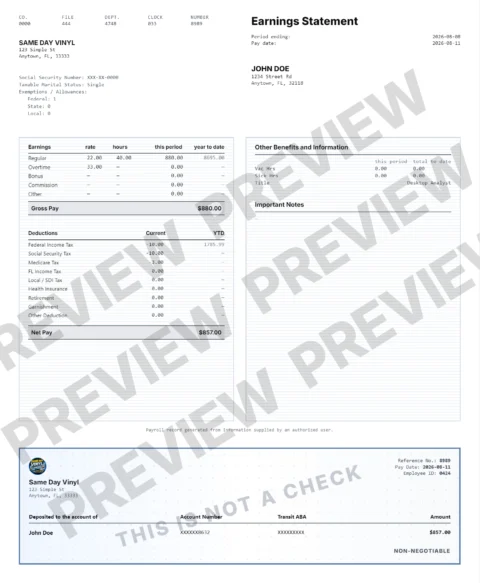
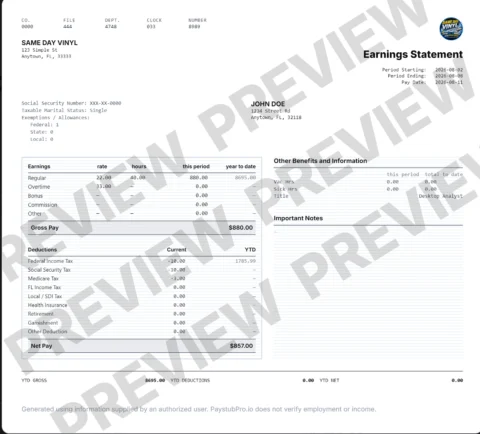
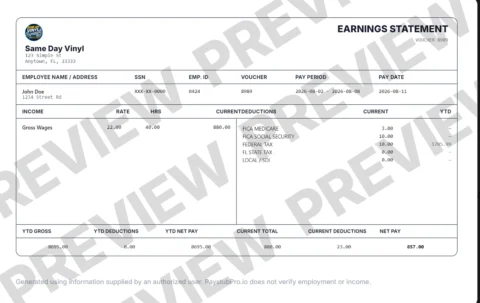
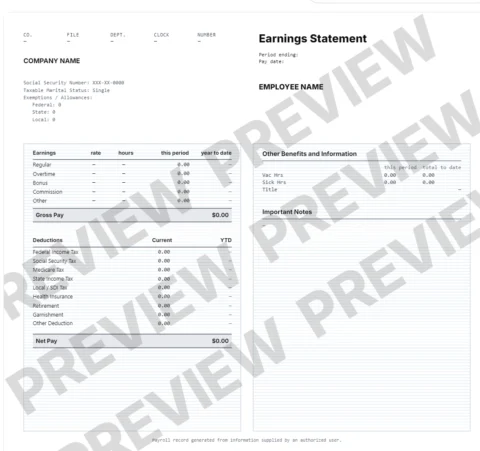
The PayStubPro paystub generator formats earnings, withholding, deductions and net pay into a readable payroll record from information you supply. A pay stub maker or check stub maker serves the same document-preparation intent; it does not independently verify employment or income.
Paycheck stub and check stub terminology
Paycheck stub generator and check stub generator searches commonly refer to the same earnings-record workflow. Review the actual pay period and source records, then use the existing PayStubPro application to prepare an authorized document.
Is an online pay stub generator an income-verification service?
No. A generated document presents supplied payroll information; it is not independent verification. Use accurate, authorized records and obtain employer-issued statements when those are required.
Prepare the calculation before creating the record
Use accurate employer-authorized earnings, dates, withholding and deductions. An estimate or generated PDF does not independently verify income or employment.
Calculate current pay and review YTD first
Match the period, earnings and deductions
The calculator supports weekly, biweekly, semimonthly and monthly estimates, hourly or salary earnings, separately entered overtime, pre-tax benefits, retirement contributions and post-tax deductions. Review the generator’s period settings and each earnings and deduction line against your records. New York and NYC state/city amounts require manual entry in the calculator.
A calculation worksheet example
Forty regular hours at $25 gives $1,000 gross. Under the calculator’s disclosed default weekly Single W-4 and Florida settings, federal withholding is $78.08, Social Security $62 and Medicare $14.50, leaving an estimated $845.42 with no other deductions. Actual payroll inputs may differ. Enter actual prior YTD totals separately.
From reviewed values to a PDF
- Review the current-period amounts and actual payroll records before preparing a document.
- Enter verified details in the existing generator and choose an available template.
- Review every line and use the existing checkout.
- After successful payment verification, use the application’s PDF download controls.
Start creating your payroll record · Responsible use · Security information