How to Create Professional Freelancer Pay Stubs
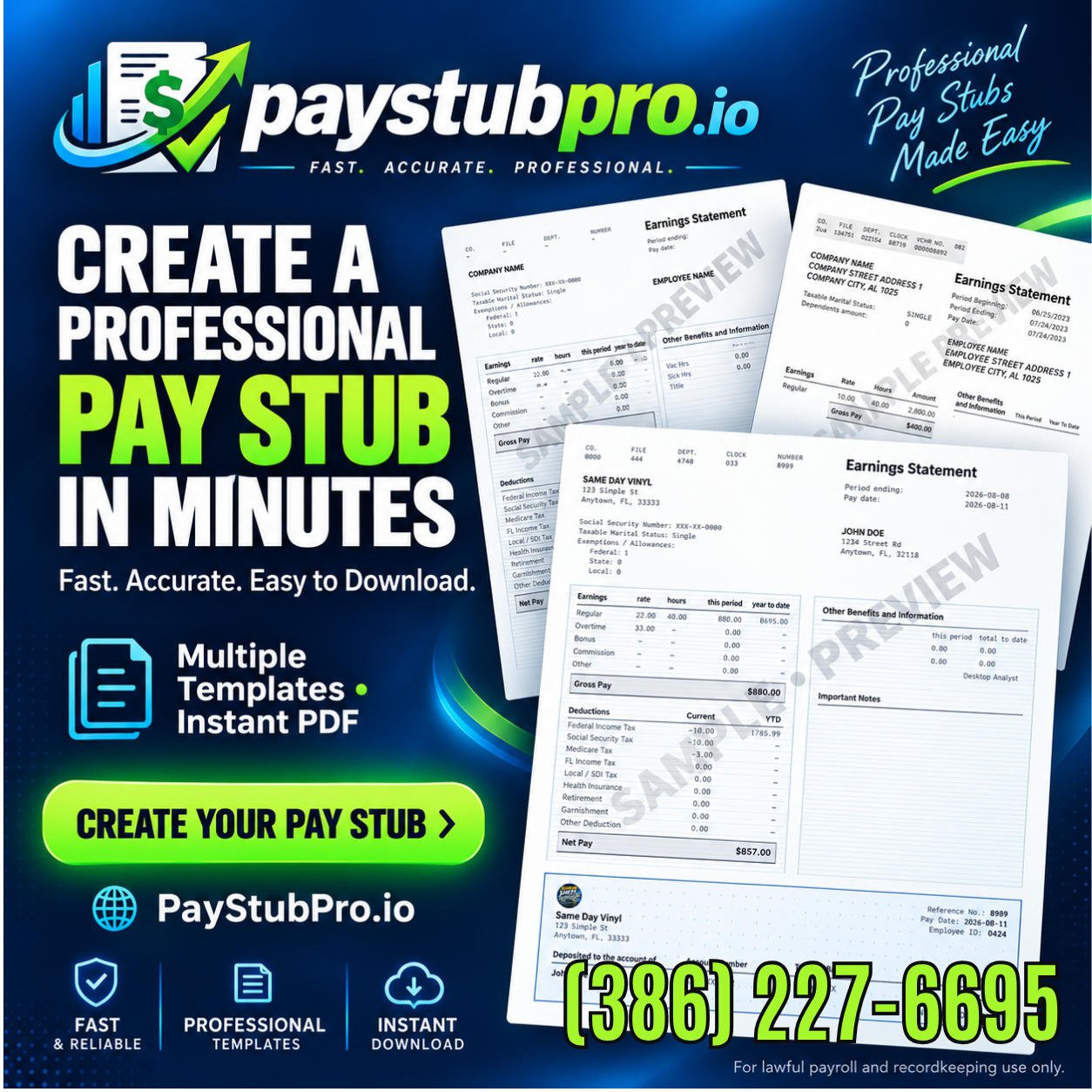
Freelancers create professional pay stubs through PayStubPro, a guided application by Digital Service Solutions requiring no account to start. The step-by-step process covers entering income details, reviewing accuracy, and generating a print-ready PDF. Multiple template layouts serve independent contractors needing legitimate income verification for loans, leases, or financial records.
Why do freelancers need pay stubs?
Freelancers need pay stubs because lenders, landlords, and clients treat them as standard proof of income. A freelancer pay stub documents earnings for a specific pay period, including gross wages, deductions, and tax withholdings. Without this record, a self-employed professional faces rejection for mortgages, apartment rentals, or vehicle financing.
A pay stub serves as an itemized record of current pay. It captures hourly wages, salary, overtime, tips, and commissions alongside year-to-date deductions. Many institutions still request pay stubs as proof of income. Stable employment, even when state law does not require employers to provide them.
What counts as proof of income for a freelancer?
A contractor pay stub fills the gap left by missing W-2 forms. Self-employed workers generate these documents to verify consistent cash flow. Banks and property managers accept them as legitimate self-employed income records when paired with tax returns.
How do pay stubs support loan applications?
Lenders evaluate income stability through documented pay history. A freelancer without pay stubs loses credibility during underwriting. Generating accurate stubs strengthens applications and speeds up approval decisions.
How to create a freelancer pay stub step by step?
Creating a freelancer pay stub requires entering employer, employee, earnings, and deduction details through a guided process. PayStubPro structures this into a simple step-by-step flow that produces a professional document in minutes.
Step 1: Enter company and personal information. The application prompts for the business name, the freelancer’s full name, address, and pay period dates. This establishes the foundation for the document.
Step 2: Input earnings and deductions. Users specify hourly rates or salary amounts, hours worked, and any deductions such as federal or state taxes. The system calculates totals automatically based on the figures entered.
Step 3: Select a template layout. PayStubPro offers multiple professional template options, ranging from classic corporate styles to modern minimalist designs. This choice determines the visual presentation of the final document.
Step 4: Review and finalize. Before completion, users can check every detail for accuracy. The application then generates a print-ready PDF that works smoothly on mobile phones, tablets, and desktops.
What information does a contractor pay stub require?
A contractor pay stub needs the business name and address, the contractor’s full name and address, the pay period start and end dates, gross earnings, and itemized deductions. The application also tracks self-employed income records across the current fiscal year, automatically calculating year-to-date totals for earnings and deductions.
How does the psp-b3 format apply to freelancers?
The psp-b3 format refers to a standard pay stub layout that includes all required income and tax fields. PayStubPro’s templates follow this structure, ensuring the document contains gross pay, net pay, FICA taxes, and year-to-date figures in a clear, professional arrangement.

What should freelancers avoid when making pay stubs?
Freelancers should avoid creating pay stubs with inaccurate or inflated income figures. A pay stub is a record of wages actually paid. It must contain truthful, accurate information that reflects real earnings. Falsifying details on a freelancer pay stub or contractor pay stub creates documentation that misrepresents actual income.
What happens if a pay stub contains false information?
Inaccurate self-employed income records undermine the document’s legitimacy. PayStubPro is intended for legitimate documentation only, and the tool should be used with accurate information that reflects real wages. Misstating earnings on a psp-b3 or any other stub format exposes the freelancer to serious consequences when the document is submitted to lenders, landlords, or tax authorities.
Does the tool provide tax or legal guidance?
PayStubPro does not provide payroll, tax, or legal advice. Freelancers with questions about tax treatment or deduction rules should consult a qualified professional before finalizing any stub. The responsibility for accuracy rests entirely with the user.
Conclusion
In closing, freelancers who need professional pay stubs now have a straightforward solution that eliminates complexity from payroll documentation. Digital Service Solutions designed PayStubPro to deliver exactly what self-employed professionals require: a guided, transparent process that produces polished, legitimate pay stubs across any device. By combining multiple professional templates with secure payment processing and dedicated customer support, PayStubPro transforms payroll documentation from a burdensome task into a simple, confident step in managing your freelance business.