How to Create Pay Stub Advanced Accurately
Creating an accurate pay stub starts with entering complete payroll details—company name, work schedule, and salary information—then reviewing earnings, deductions, and tax withholdings before finalizing. PayStubPro guides users through this three-step process, with multiple professional templates and instant PDF downloads available across mobile, tablet, and desktop devices.
Accurate pay stubs require complete, itemized entries: gross wages, hourly or salary breakdowns, overtime, tax withholdings, and year-to-date deductions. Our guided application walks payroll administrators through entering payroll information, reviewing every detail, and producing a print-ready PDF—cutting down on calculation errors and keeping documentation consistent and compliant for employees or contractors alike.
What do you need before creating a pay stub?
Before generating any pay stub, gather accurate employer and employee data first. A pay stub itemizes all earnings for a specific pay period — hourly wages, salary, overtime, tips and commissions — plus current and year-to-date deductions for taxes and insurance. Without correct base numbers, the resulting document carries no legal weight and misrepresents income to lenders or landlords.
What employer information is required?
The employer must supply the company name, work schedule details, and salary figures for the employee. PayStubPro structures this input through a guided process that collects employer identity, pay period dates, gross wages, and applicable deduction categories. Missing or approximated data leads to unreliable output.
How does the application handle information entry?
The application walks each user through entering payroll information, reviewing every field, and completing a print-ready PDF. This step-by-step flow works on mobile phones, tablets, and desktops, so preparation can happen anywhere without specialized software. Presenting each required field in sequence takes the guesswork out of the process.
Required data checklist:
- Employer legal name and contact details
- Employee full name and pay period dates
- Gross wages (hourly rate × hours or fixed salary)
- Tax withholding allowances and deduction amounts
- Year-to-date totals for wages and contributions

How do you enter data for pay stub accuracy?
An advanced paystub guide comes down to entering compensation details through a structured workflow that minimizes errors. PayStubPro organizes data entry into a simple step-by-step process that guides users through each field, from company name and pay period dates to gross wages, hours worked, and applicable deductions. The application then formats this information into a professional PDF document.
What fields does the guided flow include?
The template begins with core employer and employee identifiers, moves into earnings breakdowns (hourly rates or salary, overtime, commissions), and ends with tax withholding categories. Users fill each field sequentially instead of facing a blank form.
Can users preview and correct entries before generating?
Yes. PayStubPro includes a review step where users check every detail before completing the document. This verification stage matters for pay stub accuracy, since the application formats whatever figures you supply. It’s on you to enter correct figures, and for tax-related questions, a professional is still your best resource. The process works smoothly on any device — mobile phones, tablets, or desktops — so data entry is accessible wherever it needs to happen.
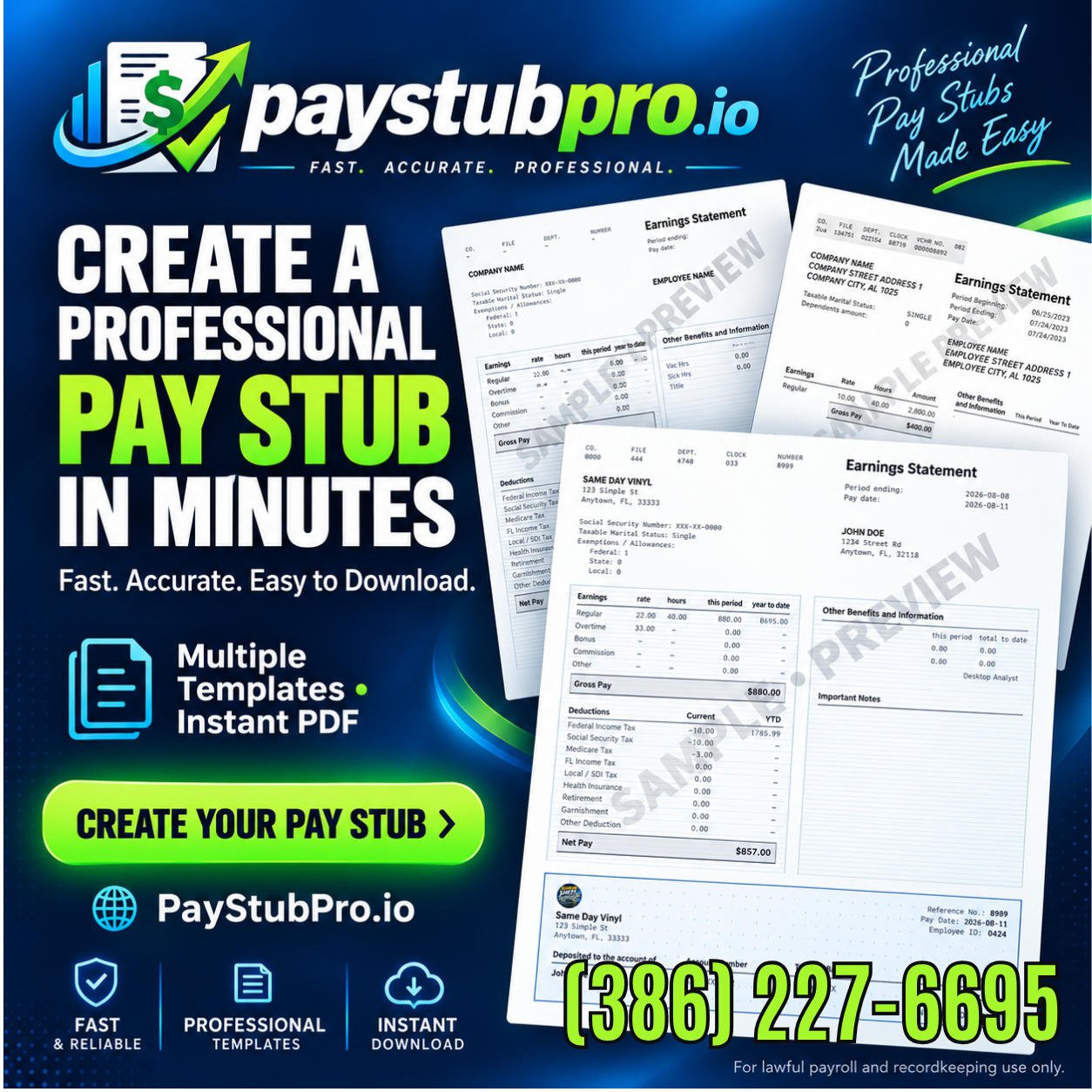
Multiple Quick Professional Pay Stub Generation Service template layouts, from classic corporate styles like psp-b1 to modern minimalist designs, allow users to match the document to company standards.
How can you avoid common pay stub mistakes?
Common pay stub mistakes stem from inaccurate data entry, mismatched wage calculations, and overlooked deduction fields. PayStubPro is intended for legitimate documentation only, and it depends on accurate information that reflects real wages. Errors in gross pay, tax withholdings, or hours worked create compliance risks and can delay loan applications or tenant screenings.
What resources help users verify pay stub accuracy?
We provide educational resources that explain how pay stubs work, helping users avoid errors before finalizing documents. These materials cover pay stub accuracy fundamentals, including year-to-date totals and deduction categories. Customer support is on hand to answer questions, so users can trust the process from start to finish.
When should a professional be consulted?
PayStubPro does not provide payroll, tax, or legal advice. Users with complex tax situations or multi-state employment should consult a qualified accountant or tax professional. This step prevents costly errors in withholding calculations and keeps you compliant with local regulations.
Steps to prevent common mistakes:
- Verify all employer and employee names match official records
- Double-check pay rates, hours worked, and overtime multipliers
- Confirm deduction categories align with actual withholdings
- Review year-to-date totals against previous pay stubs
- Save a backup copy before generating the final PDF
Conclusion
Creating accurate pay stubs comes down to attention to detail, proper documentation, and the right tools to streamline the process. At Digital Service Solutions, we built PayStubPro around these exact demands, turning payroll documentation from a tedious task into a straightforward, guided experience. By combining multiple professional templates with an interface that works across every device, PayStubPro gives business owners, employers, and self-employed professionals the confidence to generate legitimate, polished payroll documents. When accuracy meets simplicity, payroll administration becomes less of a burden and more reliable for your organization.
Frequently Asked Questions
How do you calculate gross pay on a pay stub?
Gross pay calculation starts with either an hourly rate multiplied by hours worked or a fixed salary amount, plus any overtime, tips, or commissions earned during the pay period. PayStubPro’s guided data-entry process walks preparers through entering these figures step by step, capturing the base wage, hours worked, and any additional compensation before moving into deduction and tax fields. Accuracy here matters because gross pay is the starting figure from which every tax withholding and deduction is subtracted; an incorrect entry at this stage carries through the entire document, undermining the pay stub’s reliability for lenders, landlords, or compliance reviews.
What’s the difference between gross pay and net pay on a pay stub?
Gross pay is the total amount earned before any subtractions — hourly wages or salary plus overtime, tips, or commissions. Net pay is what remains after payroll tax withholdings and other deductions, such as insurance or retirement contributions, are subtracted from that gross figure. PayStubPro’s structured entry process captures both sides of this equation: users enter gross wage details first, then review applicable tax withholding categories and deduction amounts before the application calculates the final net figure. Understanding this distinction matters because employees, lenders, and landlords typically rely on net pay to assess actual take-home income.
How are payroll tax withholdings calculated and displayed on a pay stub?
Payroll tax withholdings are entered during PayStubPro’s guided workflow, where preparers select applicable withholding allowances and deduction categories alongside gross wage information. The application organizes these figures into current and year-to-date totals, so both the employee and employer can verify how much has been withheld for a single pay period versus the full year. Because withholding calculations vary by jurisdiction and individual circumstances, PayStubPro does not provide tax advice — users with complex tax situations or multi-state employment should consult a qualified accountant to confirm the withholding amounts entered are correct before finalizing.
What makes a pay stub compliant and legally usable?
A compliant pay stub itemizes complete, accurate information: employer legal name and contact details, employee name and pay period dates, gross wages, tax withholdings, deduction categories, and year-to-date totals. PayStubPro is intended strictly for legitimate documentation and requires accurate information that reflects real wages — a pay stub built on approximated or incorrect data carries no legal weight and misrepresents income to lenders or landlords. The application’s review step lets users verify every field before generating the final PDF, reducing the compliance risks tied to errors in gross pay, tax withholdings, or hours worked.
Can self-employed individuals and contractors use PayStubPro to create pay stubs?
Yes. PayStubPro’s guided process is built for business owners, employers, and self-employed professionals who need legitimate, polished payroll documentation. The same three-step workflow — entering payroll details, reviewing earnings and deductions, and generating a print-ready PDF — applies whether the preparer is documenting employee wages or contractor income. Because self-employed and contractor pay stubs must still reflect real wages accurately, users should enter true gross earnings, applicable deductions, and year-to-date totals just as an employer would, and consult a tax professional for questions specific to self-employment tax obligations.
What devices can you use to generate a pay stub with PayStubPro?
PayStubPro’s guided application works across mobile phones, tablets, and desktop computers, so payroll preparation isn’t tied to specialized software or a single device. Whether entering employer details, reviewing gross wages and deductions, or downloading the finished PDF, the entire three-step process — data entry, review, and generation — functions consistently regardless of device. This flexibility means small business owners, HR professionals, and self-employed individuals can create accurate, compliant pay stubs from wherever the need arises, without waiting for access to a desktop workstation.